GB WhatsApp Channels: Setting Up Your Channel
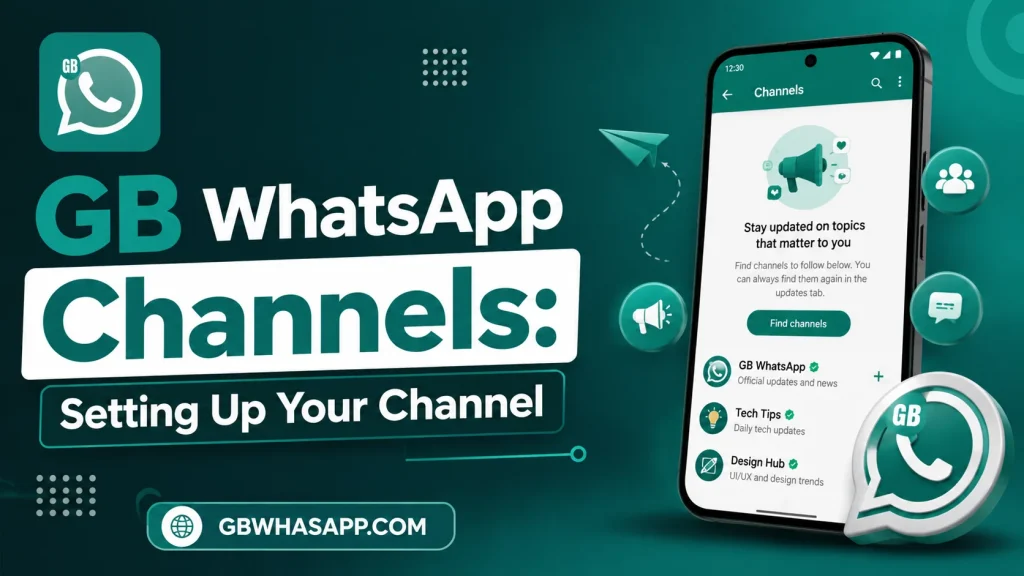
GB WhatsApp Channels let you share updates, announcements, photos, videos, and files with many followers at once. To set up a channel, open the Channels section, tap the + icon, choose Create Channel, enter your channel details, and publish your first update. Once your channel is live, you can invite followers by sharing the channel link.
What Is a GB WhatsApp Channel?
A GB WhatsApp Channel is a one-way broadcast feature. It allows channel owners to share content with followers without creating a group chat. Followers receive updates but cannot send messages directly to the channel.
Note: Channel availability depends on the version of GB WhatsApp you are using. Because GB WhatsApp is an unofficial modification of WhatsApp, some features may differ from the official app.
How to Set Up a GB WhatsApp Channel
Setting up a channel only takes a few minutes.
Step 1: Open GB WhatsApp
Launch the latest version of GB WhatsApp and make sure your internet connection is active.
Step 2: Go to the Channels Section
Open the Channels tab from the main screen. Tap the + icon and select Create Channel.
Step 3: Enter Channel Information
Add the following details:
- Channel name
- Profile picture
- Short description
- Category (if available)
Choose a clear name so people can easily recognize your channel.
Step 4: Finish the Setup
Review the information and tap Create. Your channel will be created instantly.
Step 5: Share Your First Update
Publish a welcome message, image, or announcement. Then share your channel link so others can follow it.
How to Grow Your GB WhatsApp Channel
Growing a channel requires regular activity.
You can:
- Post useful updates consistently.
- Use a clear profile picture.
- Write simple and informative posts.
- Share your channel link with friends.
- Add the link to your WhatsApp Status.
- Share updates on your social media accounts.
Best Practices
Follow these tips to keep your channel active:
- Post high-quality content.
- Avoid posting too frequently.
- Keep messages short.
- Use images to increase engagement.
- Update followers regularly.
Common Setup Problems
| Problem | Solution |
|---|---|
| Channels option not available | Update to the latest GB WhatsApp version. |
| Unable to create a channel | Check your internet connection and restart the app. |
| Followers cannot join | Verify that the shared channel link is correct. |
| Images not uploading | Check storage permission and internet connection. |
GB WhatsApp Channel Features
Some versions of GB WhatsApp may include:
- One-way broadcasting
- Image and video sharing
- File sharing
- Channel profile customization
- Easy follower management
- Instant content publishing
Available features can vary depending on the APK version.
Is It Safe to Use GB WhatsApp Channels?
GB WhatsApp is a modified version of WhatsApp and is not developed or supported by Meta. Features such as Channels may not work exactly like those in the official app, and compatibility can change with updates. Always download APK files from sources you trust and keep backups of important chats.
Frequently Asked Questions
Can I create multiple GB WhatsApp Channels?
Yes. Some versions allow more than one channel, although limits may vary.
Is creating a channel free?
Yes. Creating and managing a channel does not require a subscription.
Can followers reply to channel posts?
Channels are designed for broadcasting updates. Followers generally cannot chat directly with the channel through posts.
Can I change my channel name later?
Yes. Most versions allow you to edit the channel name, description, and profile picture.
Do I need the latest GB WhatsApp version?
Yes. Using the latest version improves compatibility and gives you access to newer features.
Conclusion
Setting up a GB WhatsApp Channel is simple. Create your channel, add complete information, and publish useful updates regularly. Consistent posting and clear content can help you attract more followers and keep your audience engaged.